Weddings
Your wedding photographer gets the day. Your guests get everything else.
Your photographer leaves at ten. The band plays until midnight, and the best hour of the night is the one nobody is being paid to photograph. It is sitting on a hundred and twenty phones, and you will be sent about nine of them.

What normally happens
- A hashtag nobody uses, or an album three people join.
- Guests text you photos individually for a month.
- The dancing, the late toasts and the getaway car exist only in group chats you are not in.
- You wait eight weeks for the gallery and it does not include any of that.
- The photos that do arrive are compressed to nothing by the messaging app that carried them.
Why it works at a wedding
- A QR code card on each table is all it takes. No app, no account — which is why the aunts actually use it.
- The photo wall fills up on a screen during the reception, which is what makes people add theirs.
- You get every original at full resolution, not compressed copies.
- Guests can browse the gallery and save what they want, so they stop texting you one photo at a time.
- Anything you would rather not see on the screen comes off it in two taps.
This started as a one-off build for one wedding — Pam and Erik, Attica, Michigan, July 2026. 263 photos came in from 10 uploaders. Guests asked where they could get it, which is the only reason the rest of this exists.
Photographs from an event run on TakeUrOwn
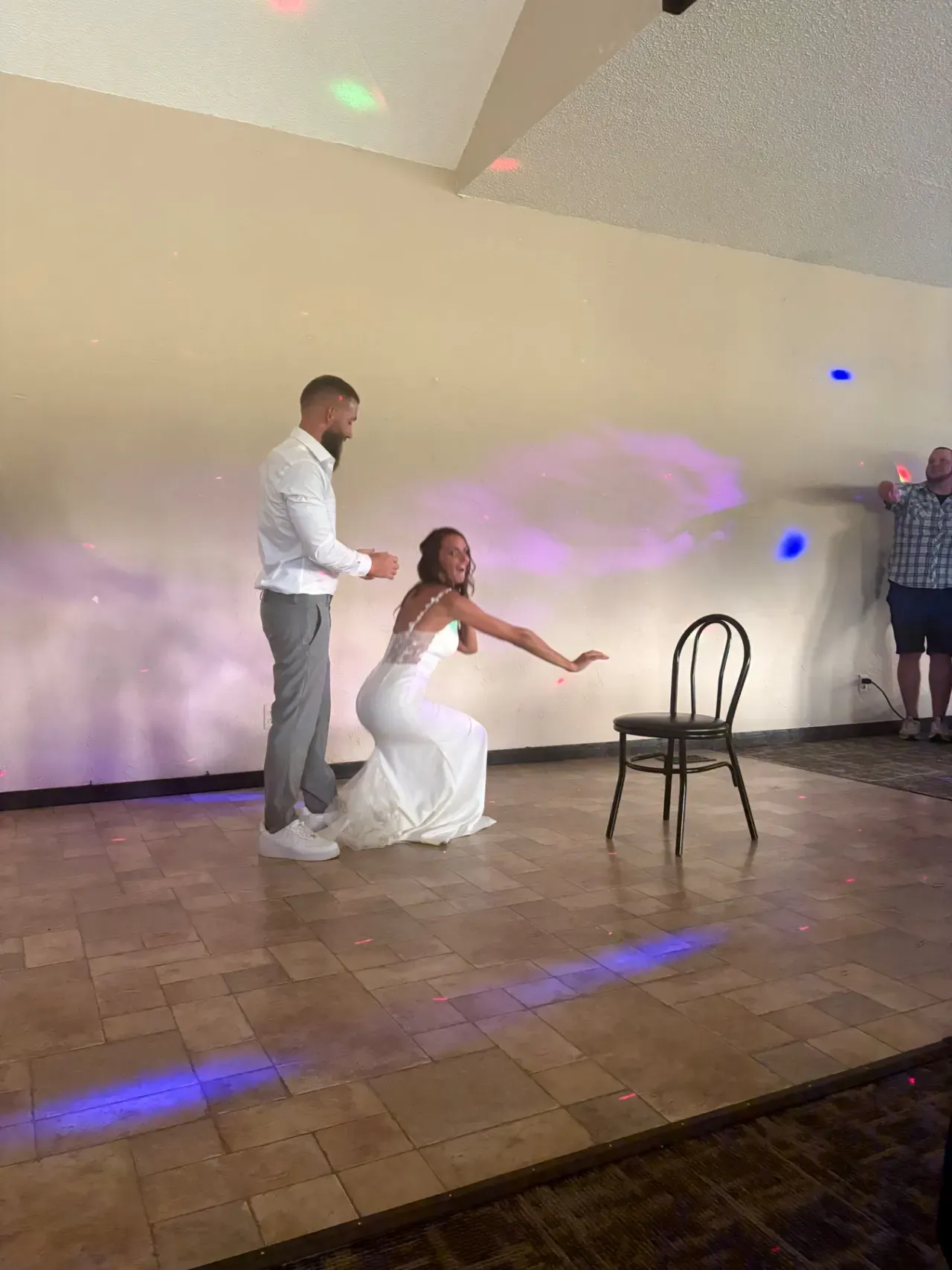
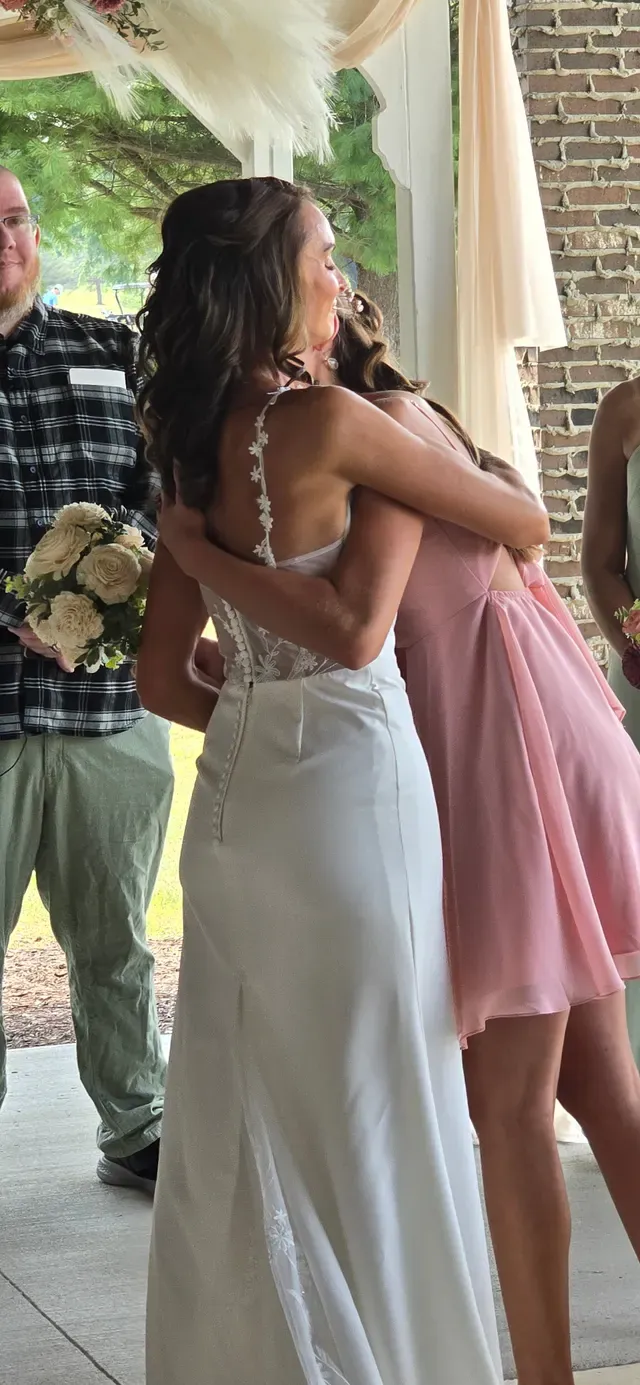

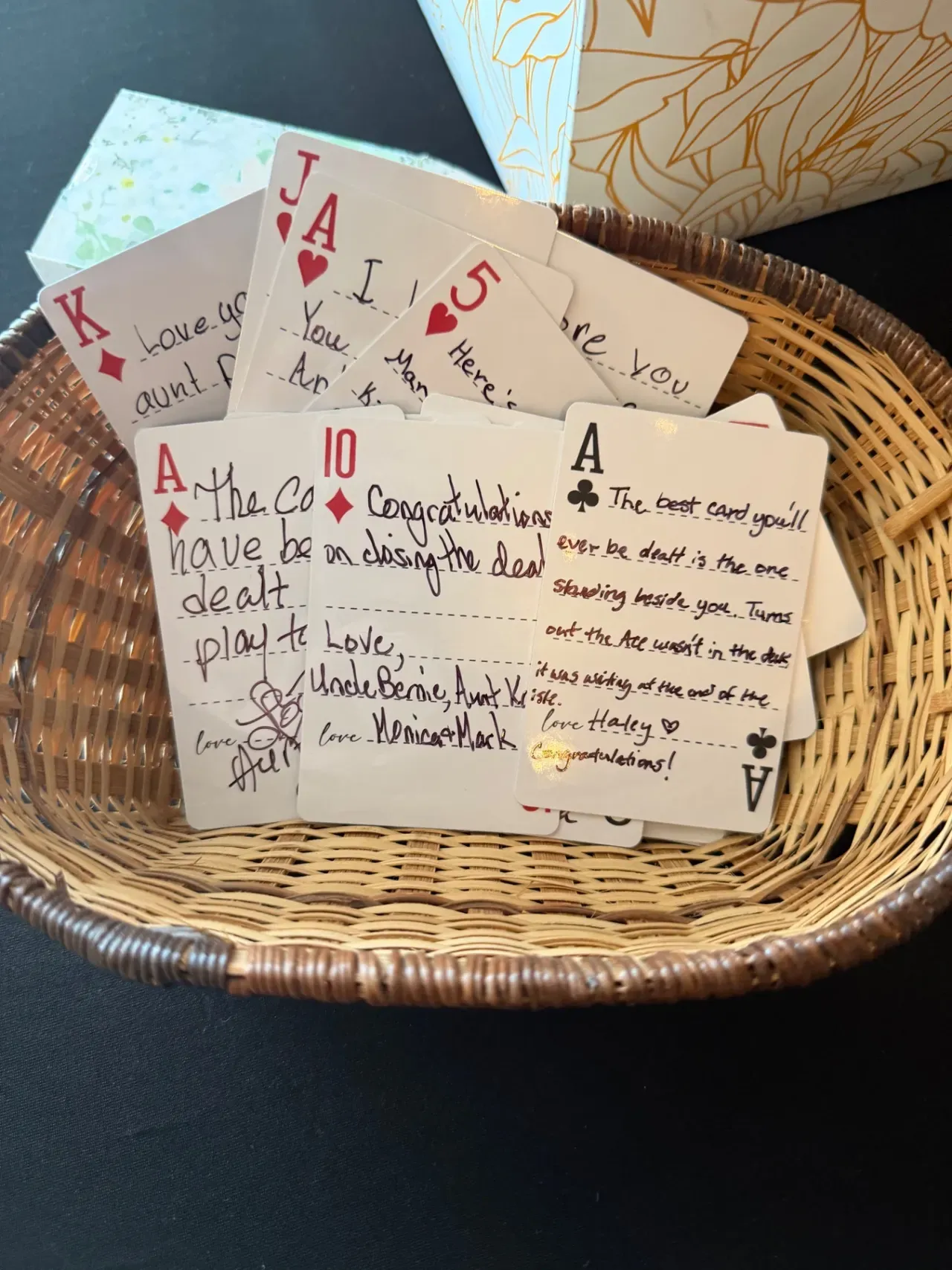
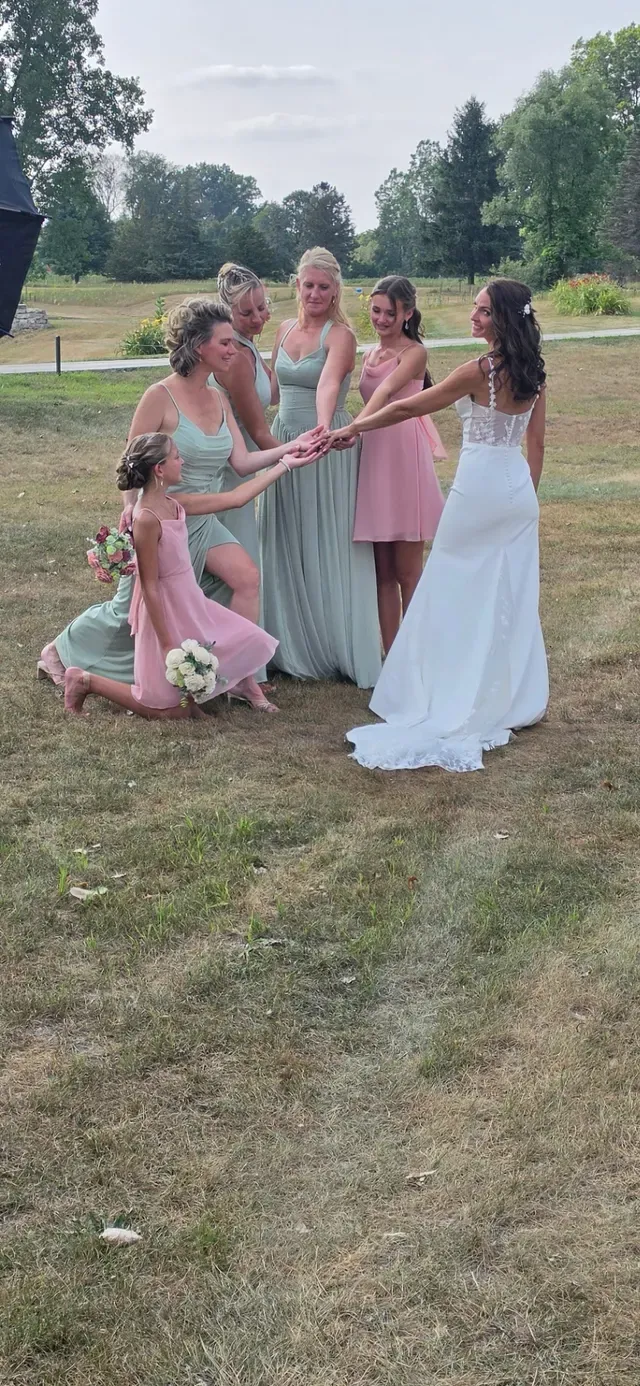
Photographed at the wedding this was built for. Attica, Michigan, July 2026.
Phone photos are not photographer photos
“Guest photos are blurry, badly lit, and half of them are of the ceiling. And my grandmother is never going to work it.”
The first half is true and it is not the point. Your photographer takes the pictures you will frame; this takes the ones nobody is standing there to take — the getting-ready room, the far end of the top table, your uncle at half past eleven. They arrive as full-resolution originals rather than copies squashed by a messaging app, so the good ones are genuinely usable. As for your grandmother: she points her phone camera at the QR code on the table and taps the link that appears. There is no app, no account and no password, and that missing sign-up step is the entire reason she takes part.
What you get on the day
- A QR code card on every table and a sign by the door, with your names on it rather than ours.
- The slideshow on a screen in the room, ready to run from the first guest through the last dance.
- A moderator link for a friend — not for you, not on your wedding day.
- A gallery link your guests can browse and save from, so the texts stop.
- Video clips up to 60 seconds, which is about the length of a speech landing or a first dance.
- Every original at full resolution in one zip.
Questions
- Does it replace our photographer?
- No, and it is not trying to. It covers the hours and angles one person physically cannot — the getting-ready room, the far end of the table, the last hour after the contract ends.
- What if someone uploads something we would rather not have on the screen?
- Hand the moderator link to a friend rather than doing it yourself on your wedding day. They can either approve each photo before it appears on the wall, or pull something down in two taps once it is up. Both work from a phone.
- Will older guests actually manage it?
- Point the phone camera at the QR code, tap the link that appears, choose photos, done. There is no sign-up step to get stuck on, and the sign-up step is what normally loses people over sixty.
- How many photos should we expect?
- The wedding this was built for produced 263 photos from 10 uploaders. Yours will depend on how visible you make the QR code cards and whether the slideshow is on a screen people can see. The $99 plan holds 1,000 photos, which has been plenty so far.
- How long do we have to download them?
- 30 days on the standard plan, 90 on the $199 plan, and longer if you ask before the day. Download the zip and keep your own copy — the files are yours and a retention window is not a place to store your wedding.
- Can guests find the photos they are in?
- If you turn it on. Face search lets someone take a selfie and get back the photos they appear in; it is off by default, each search needs that person’s consent, and the selfie is compared and then discarded rather than stored. If you would rather not have it at your wedding, leave it off.