Family reunions
Four generations, one family reunion album, and nobody has to install anything.
Sixty people over three days, four households with cameras, and one great-aunt holding the only photograph of your grandfather’s brother. She has a phone. She has never once used it to share anything with anybody.
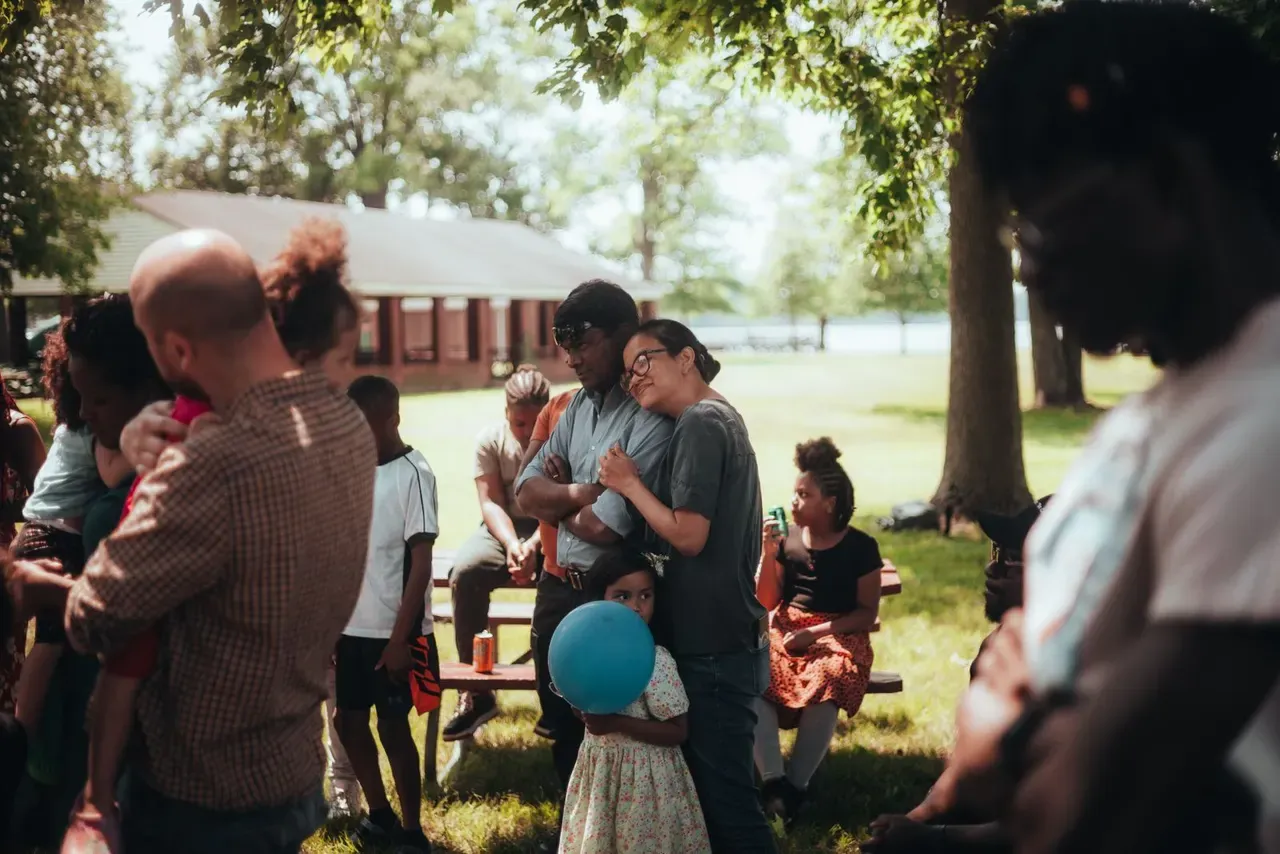
What normally happens
- Photos scatter across phones, a Facebook group, and one cousin’s camera.
- The relatives you most want photos from are the ones who will not join an app.
- Somebody promises to collect everything and then life happens.
- The only complete set is on a memory card in a drawer.
- The next reunion is five years away and half these photos will not survive the phone they are on.
Why it works for a reunion
- Scanning a QR code opens a web page. That is the whole participation barrier, and it is why older relatives take part.
- The photo wall goes up on whatever TV is already in the room, and a slideshow running all afternoon is what keeps people taking photos on the Sunday as well as the Friday.
- Multi-day works — set the window across the whole weekend.
- Everyone can browse the gallery and save the ones they want, without asking you for them.
- One person pays; nobody else needs an account, an email address, or a password.
- One zip of full-resolution originals at the end, which becomes the family’s archive copy.
The missing sign-up step is not a convenience at a reunion. It is the whole difference between a full album and an empty one.
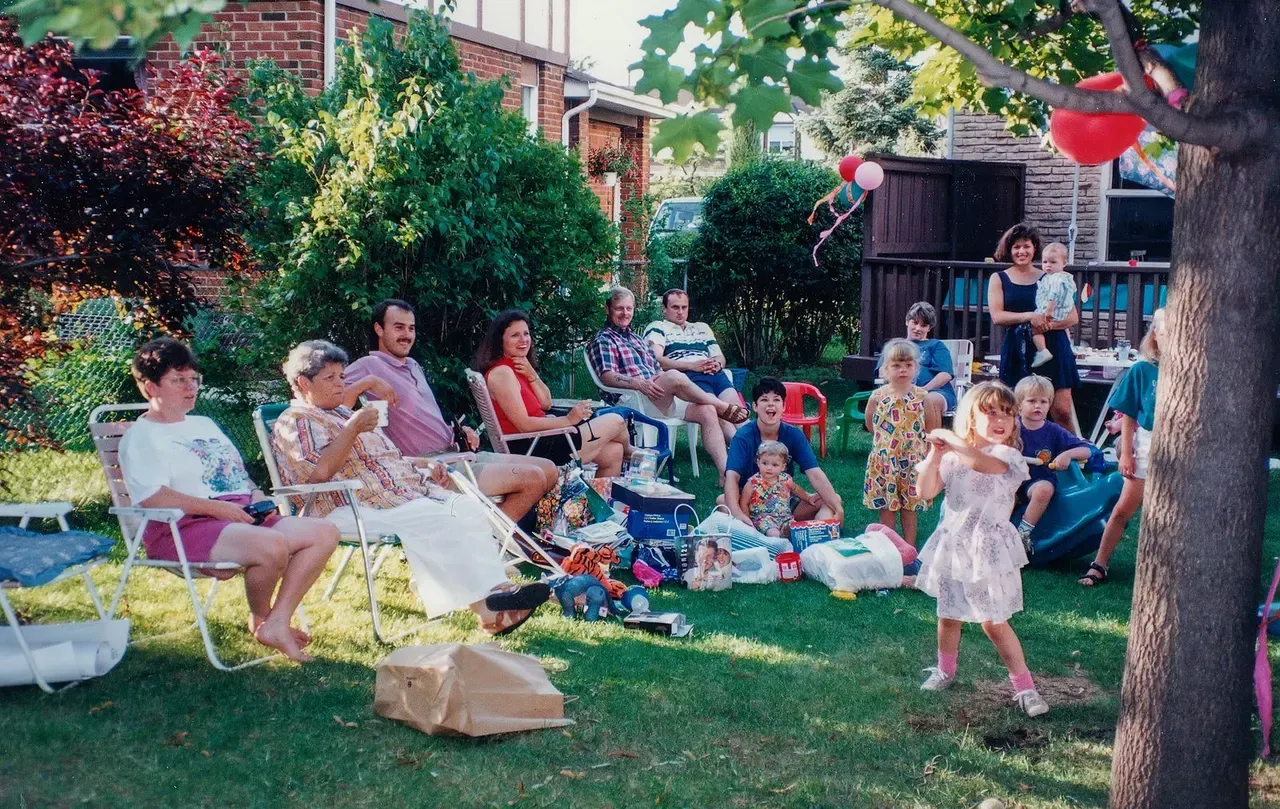
Photographs of the kind of event this suits

There are free ways to do this
“Why would I pay for this when a shared album or a Facebook group costs nothing?”
They cost nothing and for some families they are enough. The catch is the sign-in. A shared album wants the right kind of account, a group wants a login somebody has forgotten, and the relatives with the best photographs are exactly the ones who stop there. This is a QR code that opens a web page — no app, no account, no password. Test that theory on the free tier if you like: 100 photos kept for 7 days, no card. The $99 plan is for when you want a thousand of them and every original in a zip you can keep.
What you get across the weekend
- Printed QR code cards for the food table, the porch and the back of the name badges.
- The slideshow on whatever TV is in the room, running all weekend rather than one afternoon.
- A gallery everyone can browse and save from, so nobody has to ask you for a copy.
- An upload window that spans the whole weekend, so Friday night and Sunday lunch land together.
- Every original at full resolution in one zip — the archive copy the family has never had.
Questions
- Will older relatives manage it?
- Point a phone camera at the QR code, tap the link, pick photos, done. There is no sign-up step to get stuck on, which is the step that normally loses people. If someone truly cannot, anyone else can upload from their phone on their behalf.
- Can it run over a whole weekend?
- Yes. Set the upload window to cover all of it and everything lands in one gallery, Friday to Sunday. Nobody has to rescan anything on the second day.
- Can everyone download the photos, or only me?
- Anyone with the gallery link can browse and save individual photos, so cousins are not queueing up to ask you. The full-resolution zip of everything is yours.
- How is this different from a shared album?
- No account and no app, which is the difference between four uploaders and twenty. The photos also run as a slideshow on a screen in the room while the weekend is still happening, which is what makes people take more of them. And you end with one zip of full-resolution originals rather than a link that depends on somebody else’s platform still existing.
- What does it cost?
- The free tier is 100 photos kept for 7 days and needs no card, which suits an afternoon. A $99 event holds 1,000 photos for 30 days, which is the one to pick for a full weekend with sixty people.
- Can people find the photos of their own branch of the family?
- If you turn face search on. Someone takes a selfie and gets back the photos they appear in; each search needs their consent, and the selfie is compared and then discarded rather than stored. It is off unless you switch it on for your event.