Golf outings
Everyone is on a different hole. The golf outing photos still end up in one place.
A scramble spreads 140 people across 18 holes for five hours. Nobody sees most of the day. A shared photo wall is the only way anyone gets the whole thing.
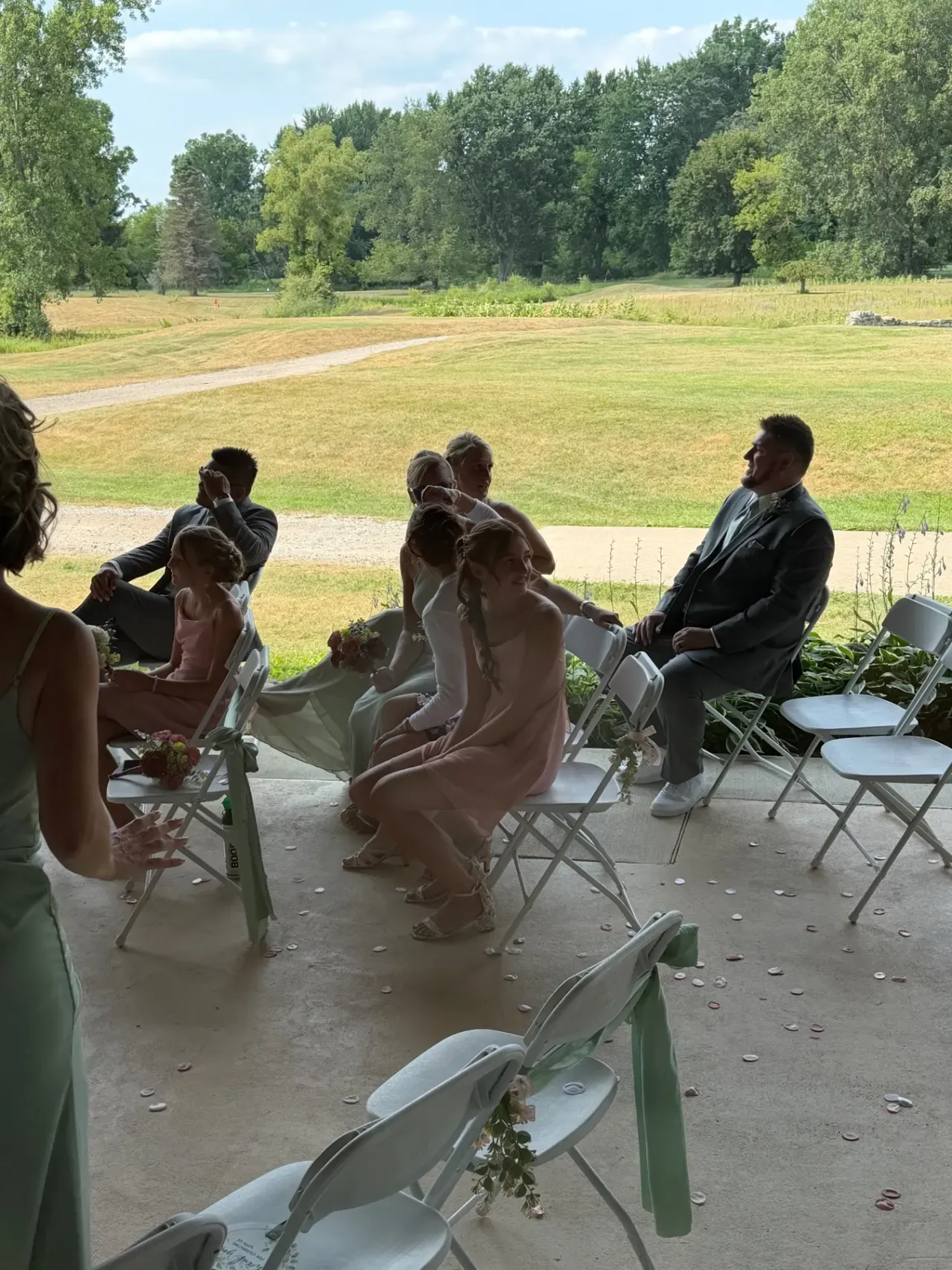
What normally happens
- Every foursome has a great morning and nobody else sees any of it.
- Photos live on 40 phones and the committee chases them by text for a week.
- The one person with the camera cannot be on every hole, so most of the day is simply not photographed.
- Whatever does get collected arrives days after the tournament, too late to use at the dinner.
- The hole sponsors paid for a sign that 36 people walked past, and there is no picture of any of them.
Why it works on a course
- Print the QR code on the cart signs and the scorecards. Players scan it where they already look.
- Photos queue on the phone through dead spots and upload themselves when signal comes back — courses are exactly where this matters.
- The slideshow is running in the clubhouse before the last group finishes, so the room walks in to their own day on the screen.
- Sponsor slides rotate between the photos, so a hole sponsor gets seen indoors as well as on the tee.
- Short clips work too, which is what people actually shoot when a putt drops.
Built for exactly this. The next event on the books is a 144-player outing, and the brief was simply: put the day on the screen at dinner.
Photographs from an event run on TakeUrOwn
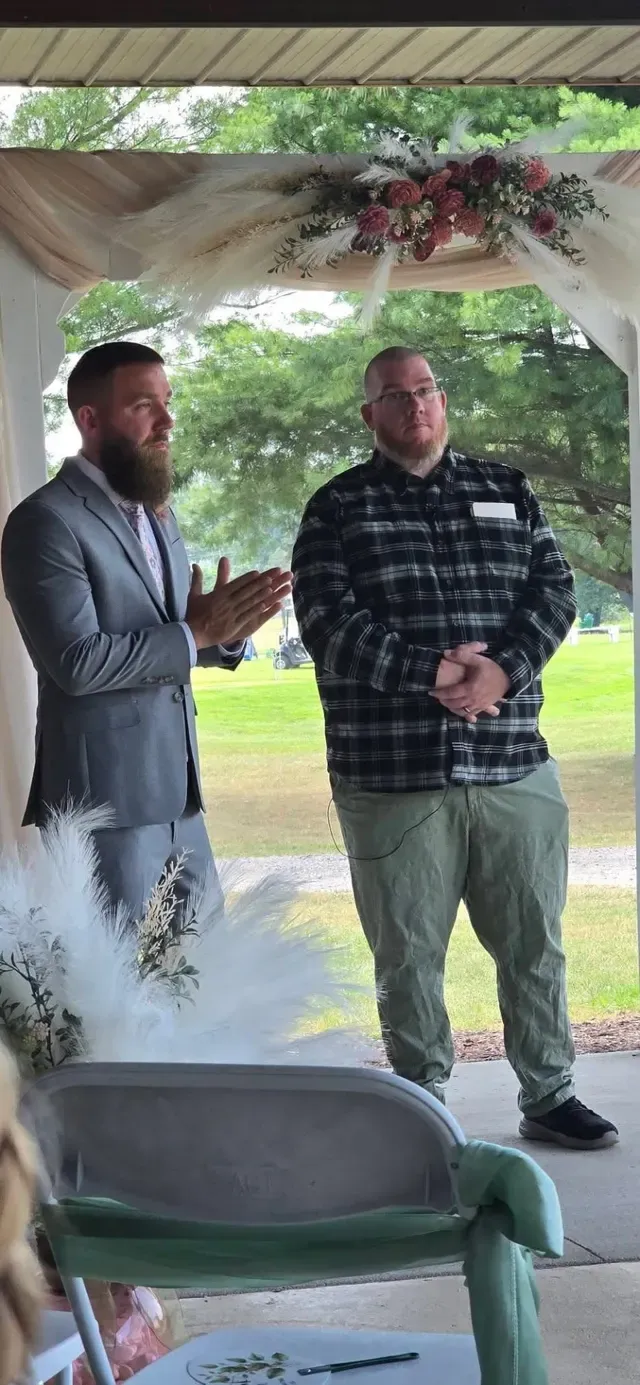
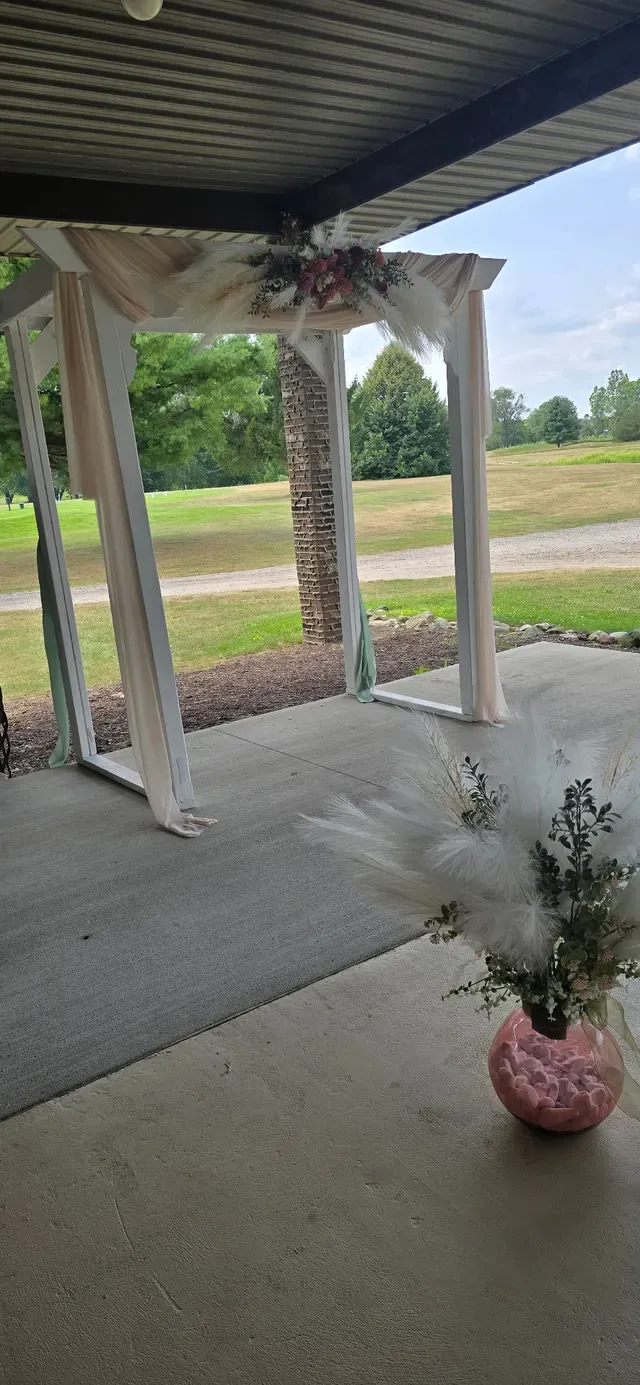
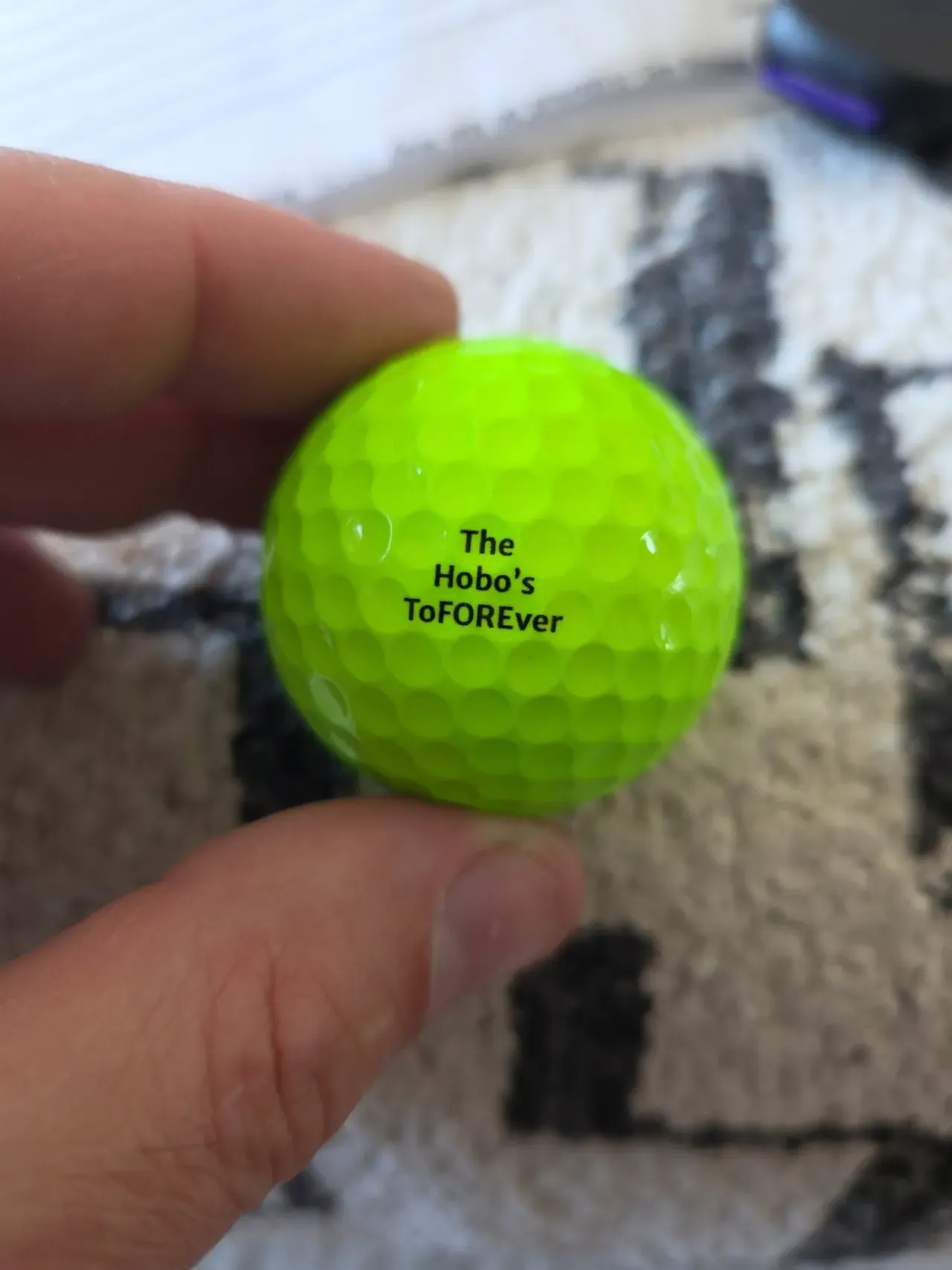
Photographed at a golf club in Attica, Michigan.
One more thing to run on the day?
“We are already running a shotgun start, a raffle, a silent auction and a dinner. Who is supposed to look after this?”
Nobody, once it is set up. The work happens the week before: upload your logo, print the QR code on the cart signs and the scorecards, load the sponsor slides. On the day there is nothing to start and nothing to plug in beyond opening the slideshow on the clubhouse screen. If you have set it to approve-before-display, one person taps yes or no on a phone between other jobs — and if they get busy, the wall waits rather than showing something you have not seen.
What you get on the day
- A QR code carrying your event name and logo, sized for cart signs, tee signs and the back of a scorecard.
- A slideshow that runs full screen in any browser — clubhouse TV, laptop and projector, or the screen over the bar.
- A moderator link for whoever is indoors, so approvals happen from a phone.
- Sponsor slides rotating between the photos, and a PDF impression report afterwards to send the sponsor.
- A gallery link to drop into the thank-you email that night.
- Every original at full resolution in one zip.
Questions
- What about the parts of the course with no signal?
- Photos queue on the phone and retry for a full hour, and the time a phone spends with no signal is credited back rather than counted against that hour. A player can shoot the back nine with no bars, drive to the clubhouse, and the photos go up on their own. Nobody has to remember to retry anything.
- Can we put our sponsors on the screen?
- Yes. Sponsor slides rotate between the photos and you set how often each one comes round, so a title sponsor appears more than a hole sponsor. Afterwards you get a PDF impression report showing how many times each slide was displayed, which is a number you can put in front of the sponsor when you ask them again next year.
- How many photos does a golf tournament actually produce?
- We will not pretend to know yours. As a reference point, the wedding this was built for took 263 photos from 10 uploaders. The $99 plan holds 1,000 photos for 30 days and the $199 holds 10,000 for 90, so a full field has room on either.
- Do players have to download an app?
- No. The QR code opens a web page in the phone camera. There is no app, no sign-up and no password, which matters when you are asking a foursome to do something while standing on a tee box.
- What happens if the clubhouse wifi drops during dinner?
- The slideshow keeps playing the photos it has already cached, so the screen does not go blank in front of the room. New photos start appearing again when the connection comes back.
- Can players upload video as well as photos?
- Clips up to 60 seconds and 128MB, which covers a putt dropping, a drive off the first tee and a chunk of the speeches. Photos can be up to 15MB each, so a modern phone uploads at full quality rather than a squashed copy.