Conferences
Five rooms, two days, one conference photo wall.
Five parallel tracks over two days is forty sessions. One photographer covers maybe six of them, and the keynote twice. Everything else — the booth demo, the hallway conversation, the whiteboard someone filled at four o’clock — is on the attendees’ phones and nowhere else.
What normally happens
- Breakouts run at the same time, so most of the programme is never photographed.
- Attendees post to their own feeds and you never see any of it in one place.
- Booth photos on a trade show floor, hallway conversations and the evening reception all get lost.
- The recap email goes out with the same four stage shots as last year.
- Next year’s prospectus needs pictures of a full room and there are three to choose from.
Why it works across a venue
- One QR code on the badge covers every room and both days.
- A gallery attendees can browse means the recap writes itself.
- The photo wall in the foyer gives people a reason to stop and look, which is why they upload more.
- Uploads queue and retry for a full hour, which is what a conference centre’s wifi requires of them.
- The $199 plan holds 10,000 photos for 90 days — room for two days across five tracks and a trade show floor without anyone rationing.
- Set the upload window to the whole event and forget about it.
Uploads queue and retry on their own for a full hour, and time a phone spends with no signal is credited back rather than burned. That is the difference between a wall and a blank screen in a hall where the wifi is oversubscribed by eleven o’clock.
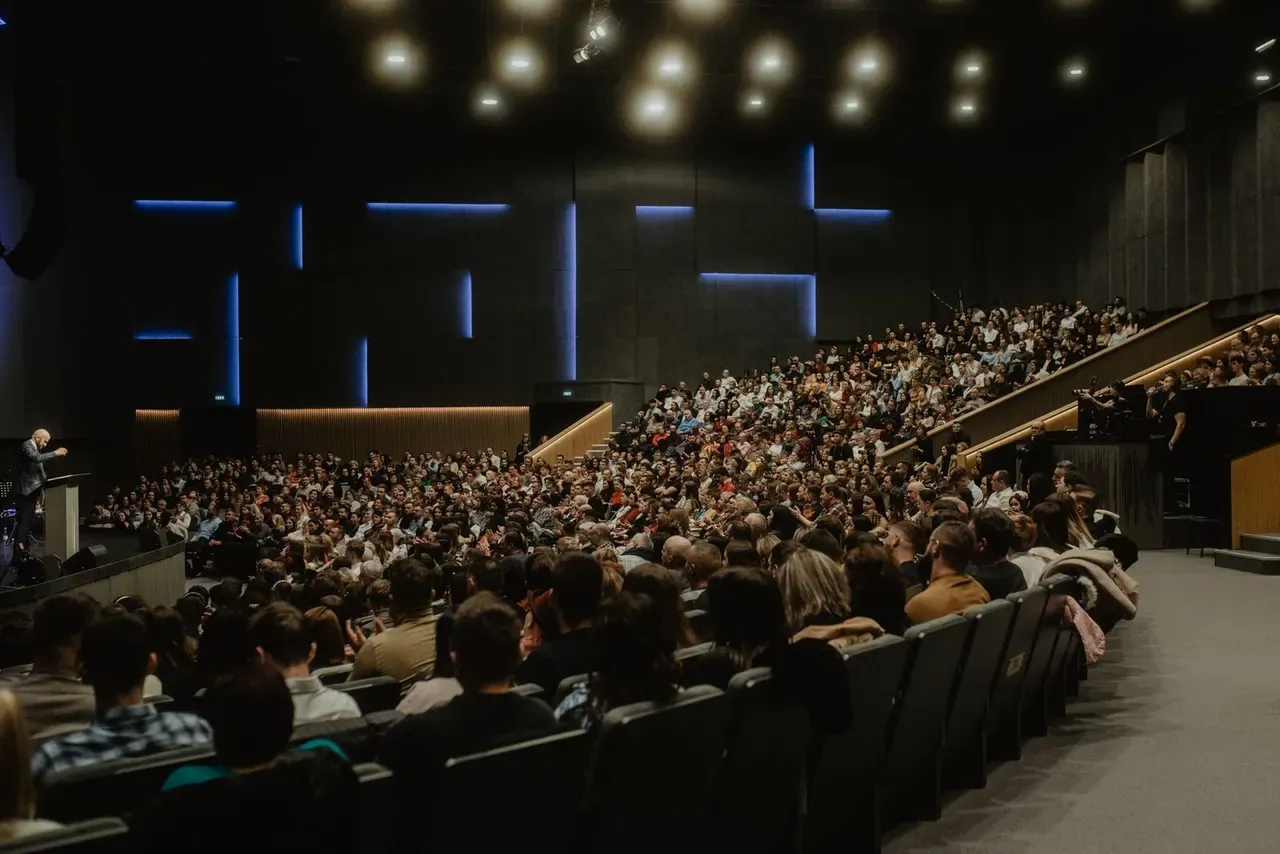
Photographs of the kind of event this suits


Brand control and data protection
“Marketing has to approve anything that appears next to our logo, and legal will want to know what happens to attendees’ faces.”
Both are answerable in a sentence each. Nothing reaches a screen until someone approves it, on every tier, so marketing holds the gate rather than auditing the damage afterwards. Guests never create an account, so uploading a photo does not build an attendee list that somebody then has to look after. Face search — the “find my photos from a selfie” feature — is off unless you switch it on for your event; when it is on, each search needs that person’s consent, the selfie is compared and then discarded, and it is never stored. If legal would rather the feature did not exist at your event, do not turn it on.
What you get on the day
- One QR code covering every room and both days, sized for badges, lanyard cards and table signs.
- A foyer slideshow that keeps playing cached photos when the venue wifi drops, so the screen never goes blank.
- A moderator link for the comms person, so approvals happen from the floor rather than from an office.
- Sponsor and exhibitor slides between the photos, with a PDF impression report for the sponsorship pack.
- A gallery link for the recap email and next year’s prospectus.
- Every original at full resolution in one zip.
Questions
- Can we run it across multiple days?
- Yes. Set the upload window to cover the whole event and everything lands in the same gallery, day one and day two together. Nobody has to rescan anything on the second morning.
- The venue wifi is always terrible. Is that a problem?
- Uploads queue on the device and send themselves when the connection recovers, including after the browser has been closed and reopened. They retry for a full hour, and time spent with no signal is credited back rather than counted against that hour. The slideshow itself keeps playing cached photos through a drop.
- Can exhibitors use it at their stand?
- They can, with the same code, and their photos land in the main gallery. At a trade show that is usually what you want — one wall for the whole floor. If you would rather each exhibitor had a separate wall, that is a separate event each, and the $299 a month agency plan covers unlimited events.
- What happens to attendees’ faces? Is this a GDPR problem?
- Face search is opt-in per event, so it does nothing unless you switch it on. When it is on, each search requires the person’s consent, their selfie is compared against the gallery and then discarded, and it is never stored. Guests do not create accounts, so uploading does not generate an attendee record.
- How many photos can a two-day conference upload?
- The $199 plan holds 10,000 photos and keeps them 90 days, which is the one we would point a multi-track conference or a trade show at. The $99 plan holds 1,000 for 30 days and suits a one-day summit. Guests are unlimited on both, so the ceiling is photos rather than people.
- Can we sell the wall to a sponsor?
- Sponsor slides rotate between the photos and you set how often each one comes round, so a headline sponsor appears more than a bronze one. The PDF impression report afterwards tells you how many times each slide was shown, which is what turns a screen into a line item in the sponsorship pack.